
Make videos people stop for.
Studio Officially is simple when you want it and powerful when you need it. Pick Easy, Creator or Pro: a few taps for a reel cut on the beat, or every tool a professional expects.
One app, three ways to work.
Switch any time. Your project stays the same; only how much you see changes.
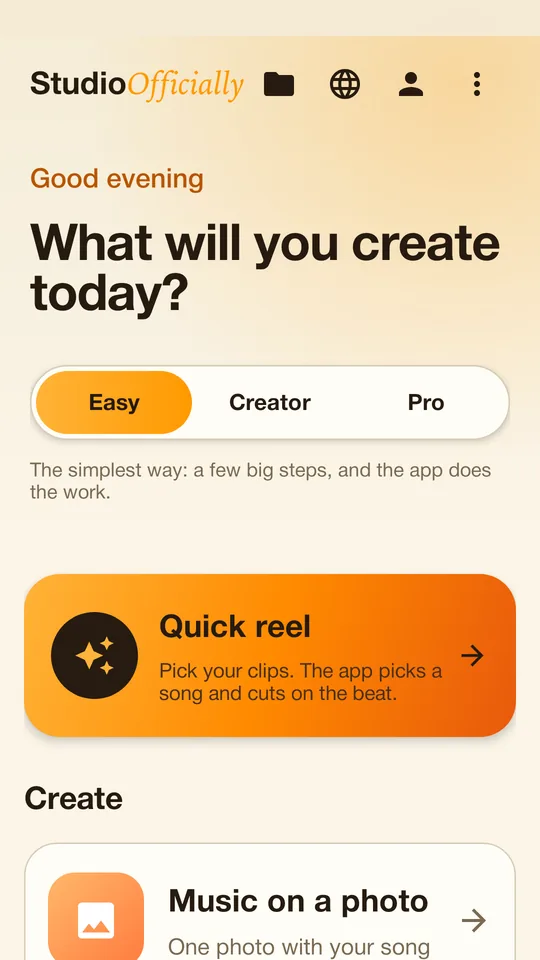
A few big steps
Add your photos or clips, pick a song, finish. The app does the work, with a guide on every step that can read itself aloud.
The everyday tools
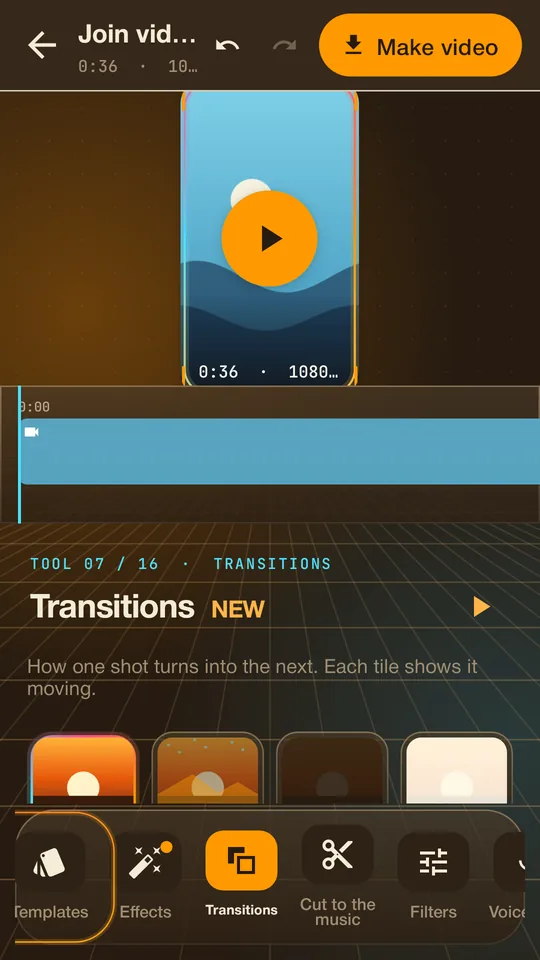
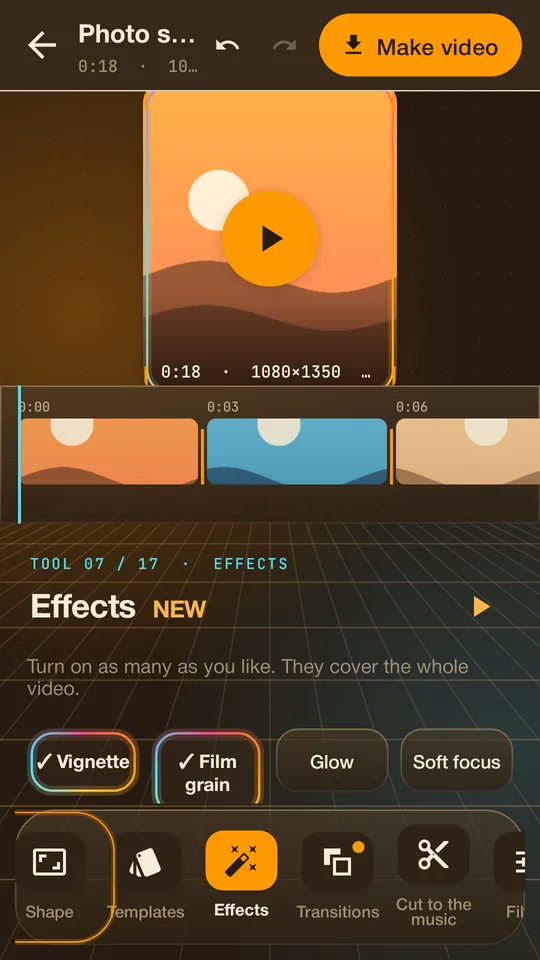
Your video on a stage with a tool dock: trim, music, text, transitions, effects and filters, without the clutter.
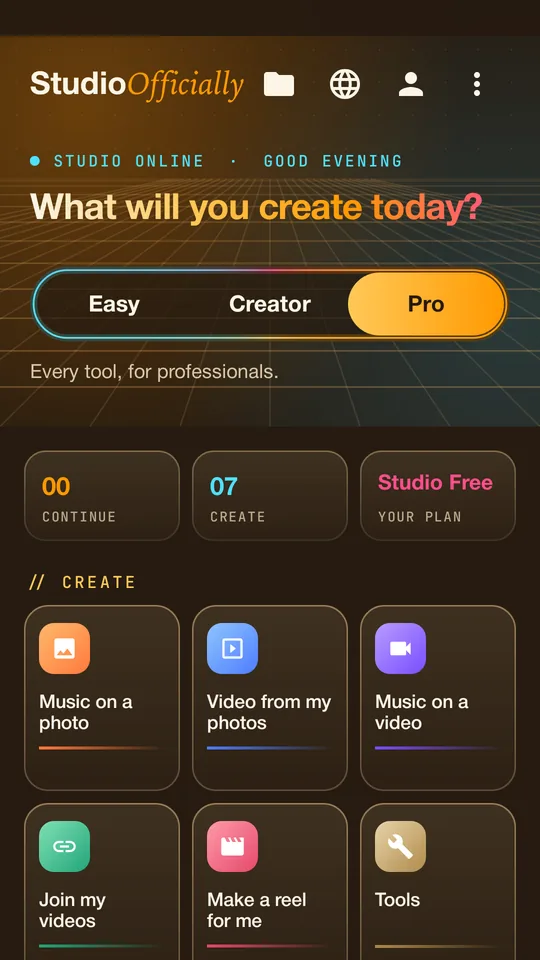
Every tool, for professionals
A dark workspace with a timeline of every shot, keyframes, speed curves, layers, green screen, tracking and removal.
Everything a video needs, none of the hassle.
All of this comes with the Android app.
Reels cut on the beat
Pick your clips. It suggests songs from your phone and cuts every shot on the beat, harder on the drop.
Music on photos and videos
One photo with your song, slideshows, or clips joined into one video, choosing exactly which part of the song plays.
Transitions and effects
Dissolves, whips, zooms, spins and more between shots, plus film looks, glow, grain and filters.
Follow anything NEW
Draw a box around something and your logo or text sticks to it on every frame, to a fraction of a pixel.
Remove something NEW
Box a logo, sign or small object. It finds the exact shape and fills it in from around it, in every frame.
Layers and green screen
Stack videos and pictures, blend them, take out a green or blue screen, or cut the person out of the background.
Keyframes and speed curves
Move, zoom and turn any clip over time, and ramp its speed smoothly for that slow-then-fast look.
Steady and framing
Takes the shake out of handheld clips, straightens, crops, fills the frame and keeps faces in view.
Text that moves
Titles and captions that slide, pop or type in, in fonts made for video, at the moment you choose.
Voice tools
Record a voice-over, clean up background noise, change how a voice sounds, or have your text spoken for you.
Brand kits and review copies
A logo, colours and fonts for each client, and quick marked review copies to send before the final.
A guide in every menu
Stuck? Every tool shows you how, step by step, and can read it aloud. 26 languages, spoken in the one you pick.
Built to feel fast.
Light and calm in Easy, a dark studio in Pro. Every tool is one tap away.
On your phone first. On your desk next.
The same three modes everywhere, so what you learn on one works on the others.
Android
Every feature on this page: Easy, Creator and Pro, reels on the beat, tracking, removal, layers and voice tools. Updates arrive inside the app.
Coming soonMac
A full desktop editor for big screens and big projects. Everything from Android, with a full timeline built for keyboard and mouse.
- Easy, Creator and Pro modes
- Long projects and high resolutions
- Your projects in one folder
Windows
The same desktop editor for Windows PCs, so teams on any computer can work the same way.
- Easy, Creator and Pro modes
- The full desktop timeline
- Made for laptops and big screens
Start free. Grow when you are ready.
You will be able to make videos without paying, and upgrade inside the app for the professional tools.
Studio Free
Make videos with your music, photos and clips, with a guide on every step.
Studio Pro
Every Pro tool: timeline, keyframes, speed curves, layers, green screen, tracking, removal and more.
Studio Team
Everything in Pro, plus the most advanced extras for teams and agencies.
Already on WorkOfficially? WorkOfficially Pro includes Studio Pro, and WorkOfficially Elite includes Studio Team.
Almost ready.
Studio Officially is coming to Android first, then Mac, then Windows. This page is where it will be, and new versions will arrive inside the app.
Android first: the whole app, Easy, Creator and Pro.
Mac next: the full desktop editor for big projects.
Windows after that: the same editor for PCs.